Everything it does.
Watch it work.
22 parts of one system. Each one in a few seconds: what happens in your restaurant, and what OrderFlow does about it.

Online Ordering
Accept orders directly through your own branded website
- Branded ordering website
- Product catalog with categories
- Product options & modifiers (sizes, toppings, etc.)
- Shopping cart with persistence
- Guest and registered checkout
- Order scheduling (ASAP or later)
- Delivery, pickup, and dine-in options
- Delivery zone configuration
- Minimum order values
- Pre-orders — take orders days ahead, timed to the booked slot
- Switch an order between collection and delivery after it is placed
- Loyalty points and rewards
- One site for a chain, a shop per path
- Service charge, set by you, shown at checkout
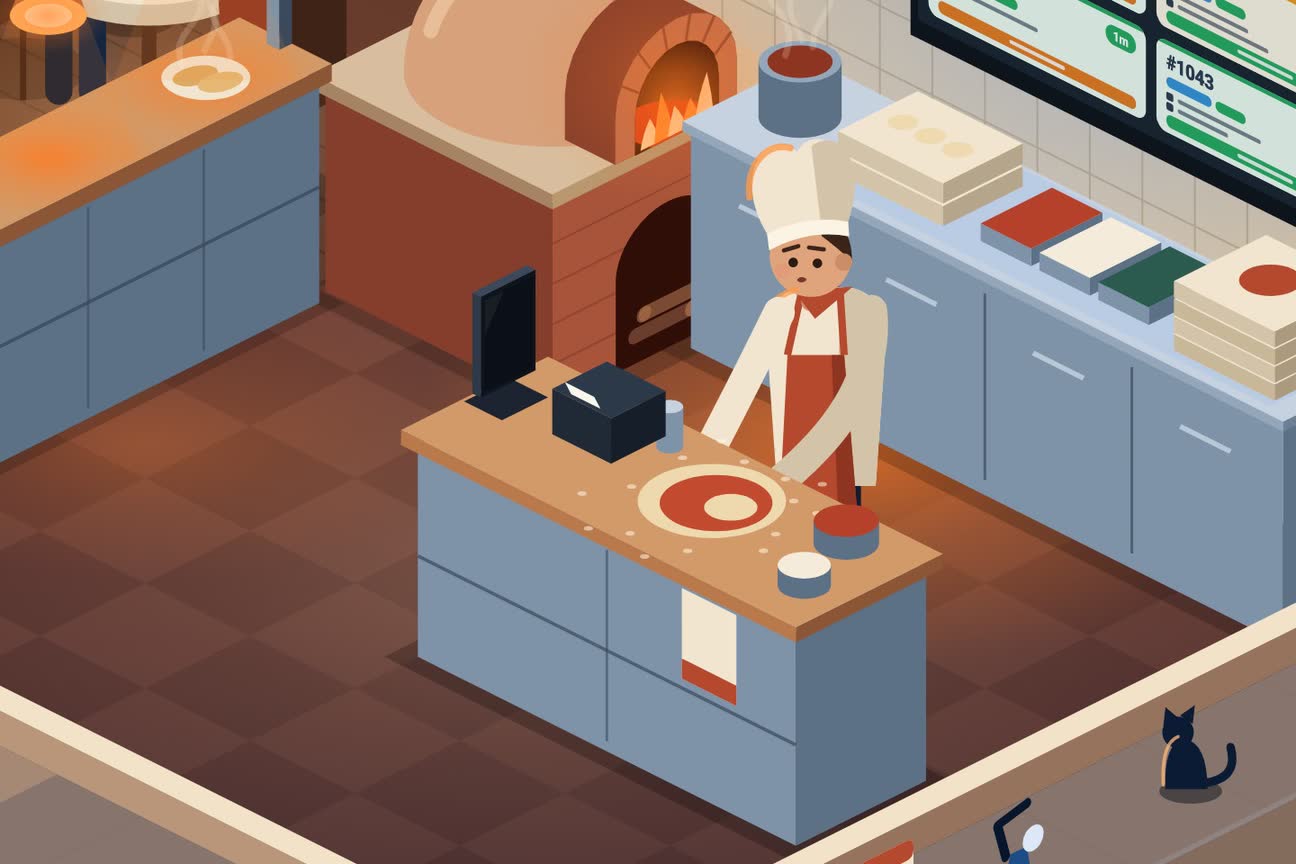
Mobile Apps
Native iOS and Android apps for customers, staff, and drivers
- Customer app (iOS & Android)
- Admin app (iOS & Android)
- Driver app (iOS & Android)
- Push notifications across all apps
- White-label branding
- Offline mode support
- Real-time sync
- Staff app in English or Portuguese
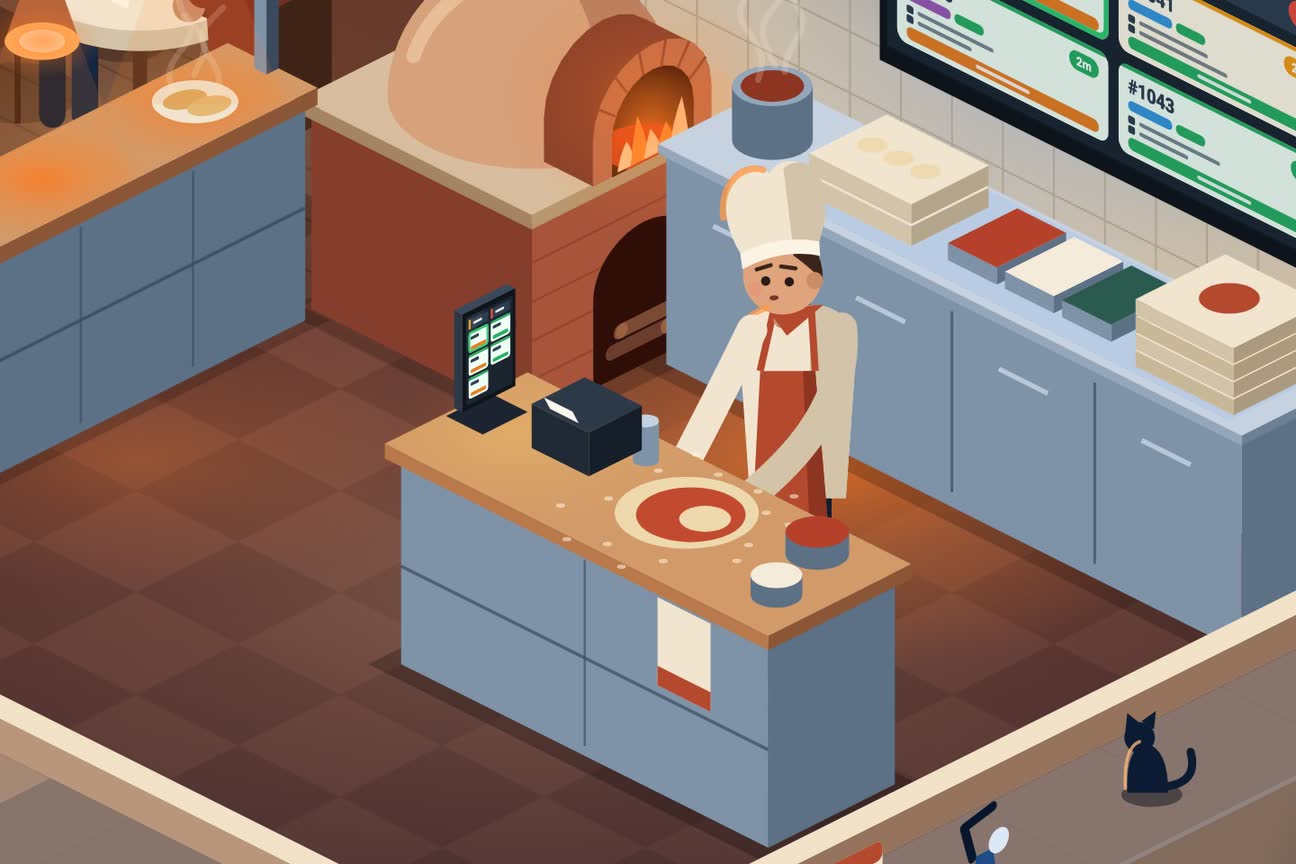
Kitchen Operations
Streamline your kitchen with real-time order management
- Kitchen Display System (KDS)
- Picture Kitchen — a picture board for cooks who do not read the menu
- Auto-accept orders option
- Order status updates
- Receipt printing support
- Real-time order alerts
- Order prioritization
- Prep time estimates
- Your own kitchen names for dishes, the way your cooks say them
- The ticket says when this customer has complained before
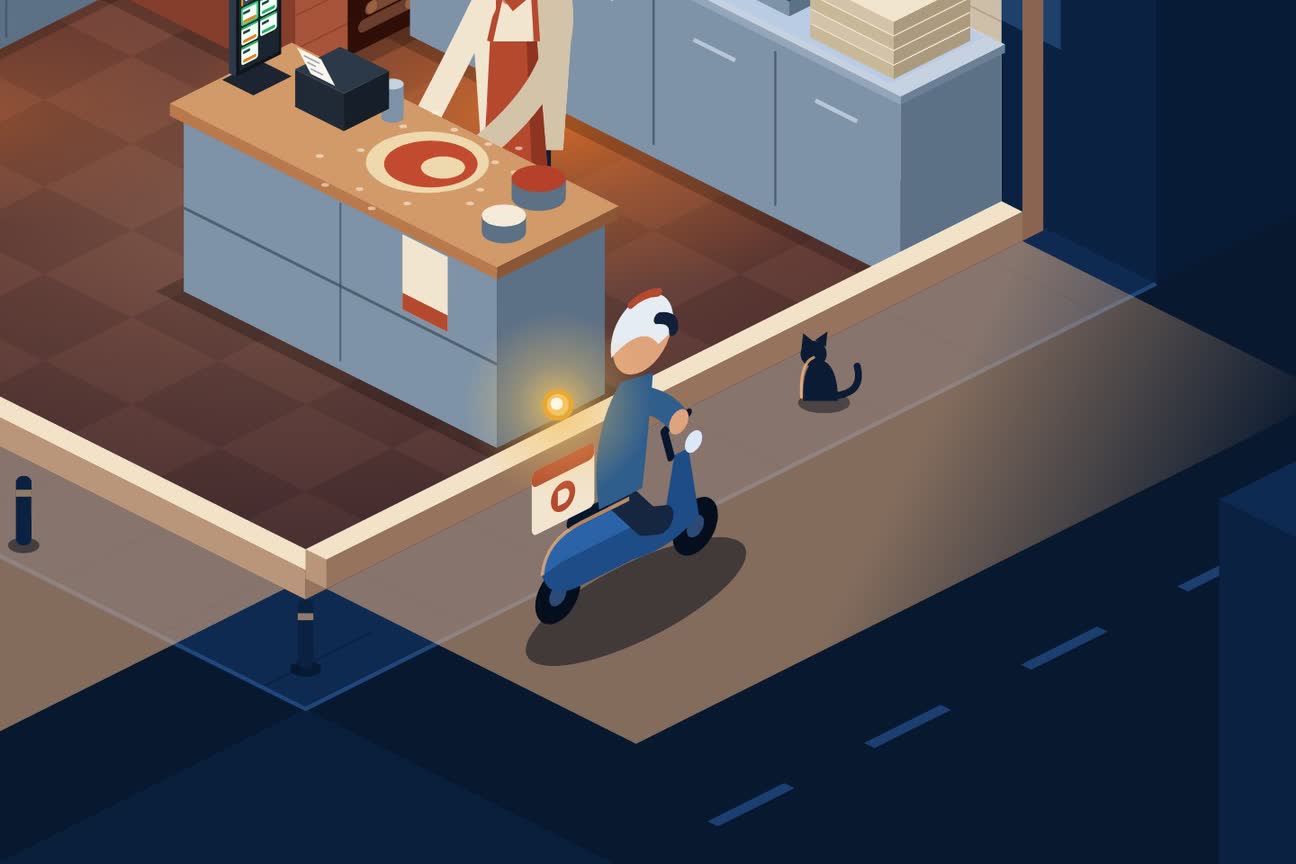
Delivery Management
Manage your own delivery fleet with live tracking
- Driver app with navigation
- Live order tracking for customers
- Proof of delivery (photo, signature)
- Driver assignment & dispatch
- Delivery zone configuration
- Driver performance analytics
- Route optimization
- Drivers clock in at the venue — hourly and per-delivery pay
- Driver earnings by day, week and month
- Drivers navigate with Waze or the app they prefer
- Problem Solve — one toolkit to fix a stuck delivery
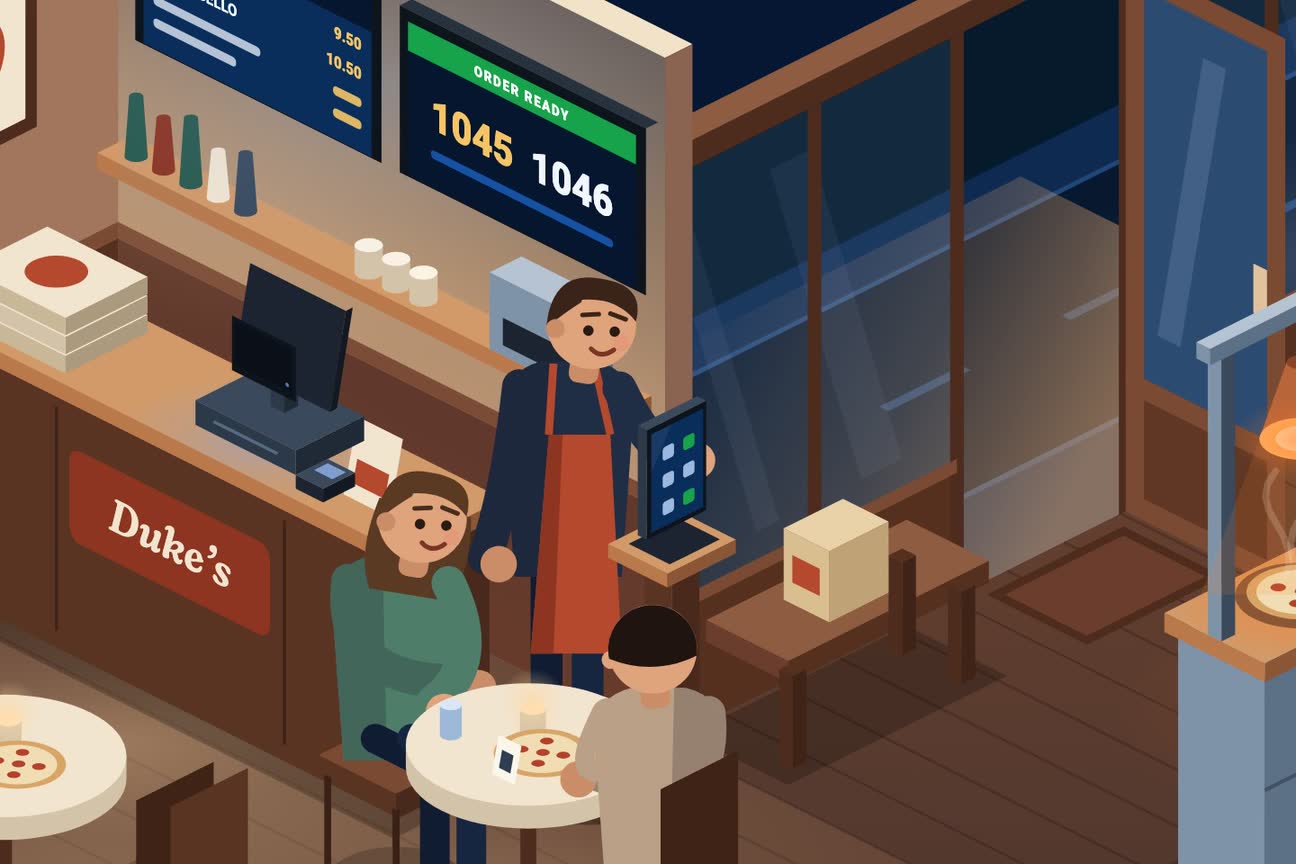
Table Reservations
Manage table bookings and walk-in waitlists
- Online table reservations
- Table & floor management
- Booking widget for website
- Waitlist management
- SMS & email confirmations
- Buffer time between bookings
- Reservation analytics
- Deposits to protect against no-shows
- Party-size rules so oversized bookings are never offered
- Split service periods (lunch and dinner on one day)
- Reschedule a booking without losing the pre-order

Marketing & Promotions
Grow your business with powerful marketing tools
- Coupon codes
- Percentage & fixed discounts
- Buy X Get Y promotions
- Free delivery promotions
- Loyalty & points program
- Push marketing campaigns
- Homepage highlights & banners
QR Campaign Marketing
Track offline-to-online conversions with smart QR campaigns
- Create trackable QR campaigns
- Scan analytics & conversion tracking
- AI-generated marketing flyers
- Print-ready formats (A4, A3, A2)
- Digital formats (Stories, Feed)
- Campaign performance insights
- Link to menus, products, or promos
AI MovieMaker
AI-powered video and content marketing on autopilot
- Auto-generate promo videos
- AI-designed marketing flyers
- QR campaign flyers with embedded codes
- Festive & holiday campaigns
- Dish & menu highlights
- Auto-post to social media
- Scheduled content calendar
- Multiple formats (Reels, Stories, Posts)
SMS Notifications
Keep customers informed with automated SMS updates
- Order confirmation SMS
- Order ready for collection alert
- Driver on the way notification
- Driver nearby alert
- Live tracking link in SMS
- Restaurant branded sender ID
- SMS usage tracking & analytics
- Pay-as-you-go credit packs
Analytics & Insights
Make data-driven decisions with comprehensive analytics
- Sales dashboard
- Order trends & patterns
- Customer insights
- Google Analytics integration
- Revenue reports
- Product performance
- Staff performance
- Median prep and delivery times (not misleading averages)
- Orders that never got closed, surfaced
- Busiest hours and days, per service
- Revenue chart, day by day
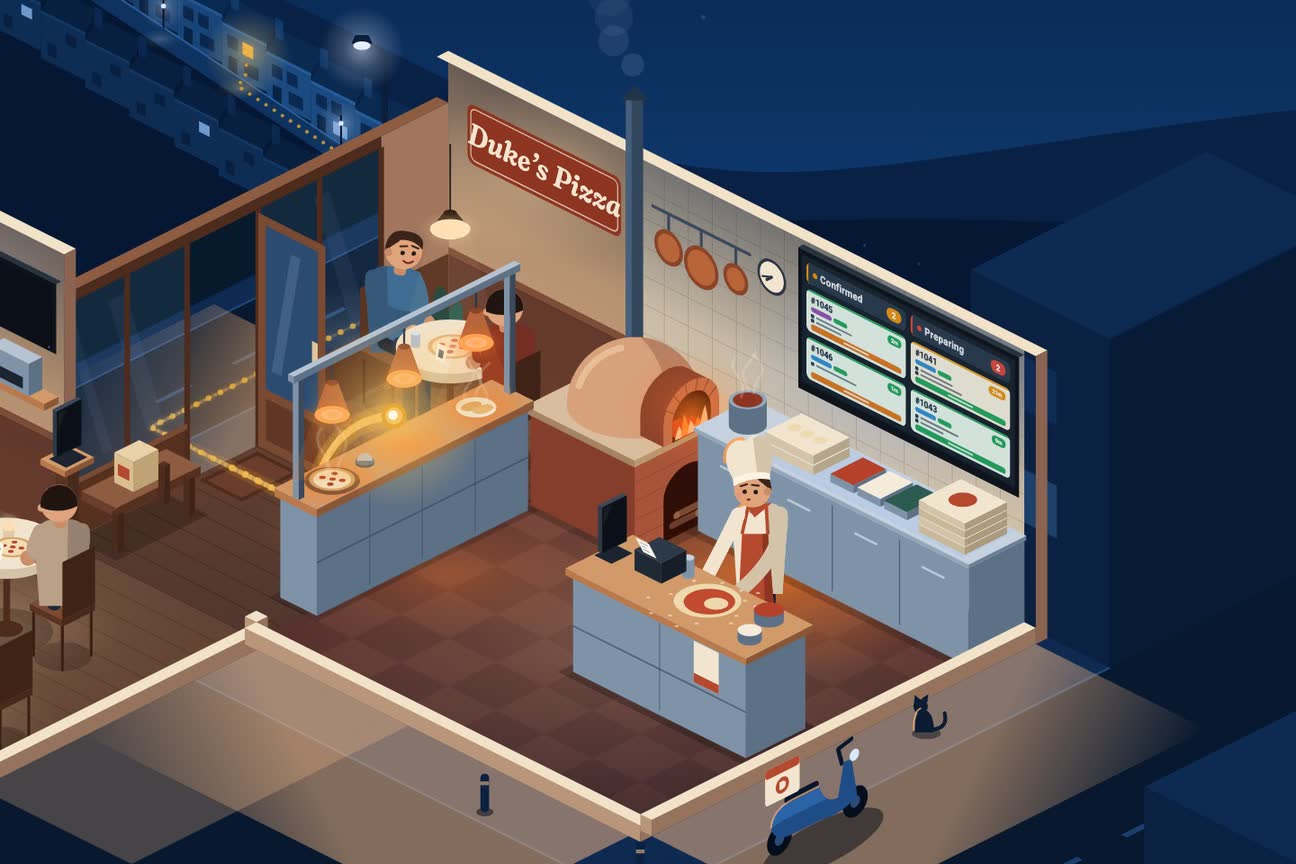
Multi-Language Support
Reach more customers with automatic translations
- 8 languages supported
- English, Portuguese, Spanish, French
- German, Italian, Chinese, Japanese
- Automatic translation
- Customer-facing translations
- Admin translations
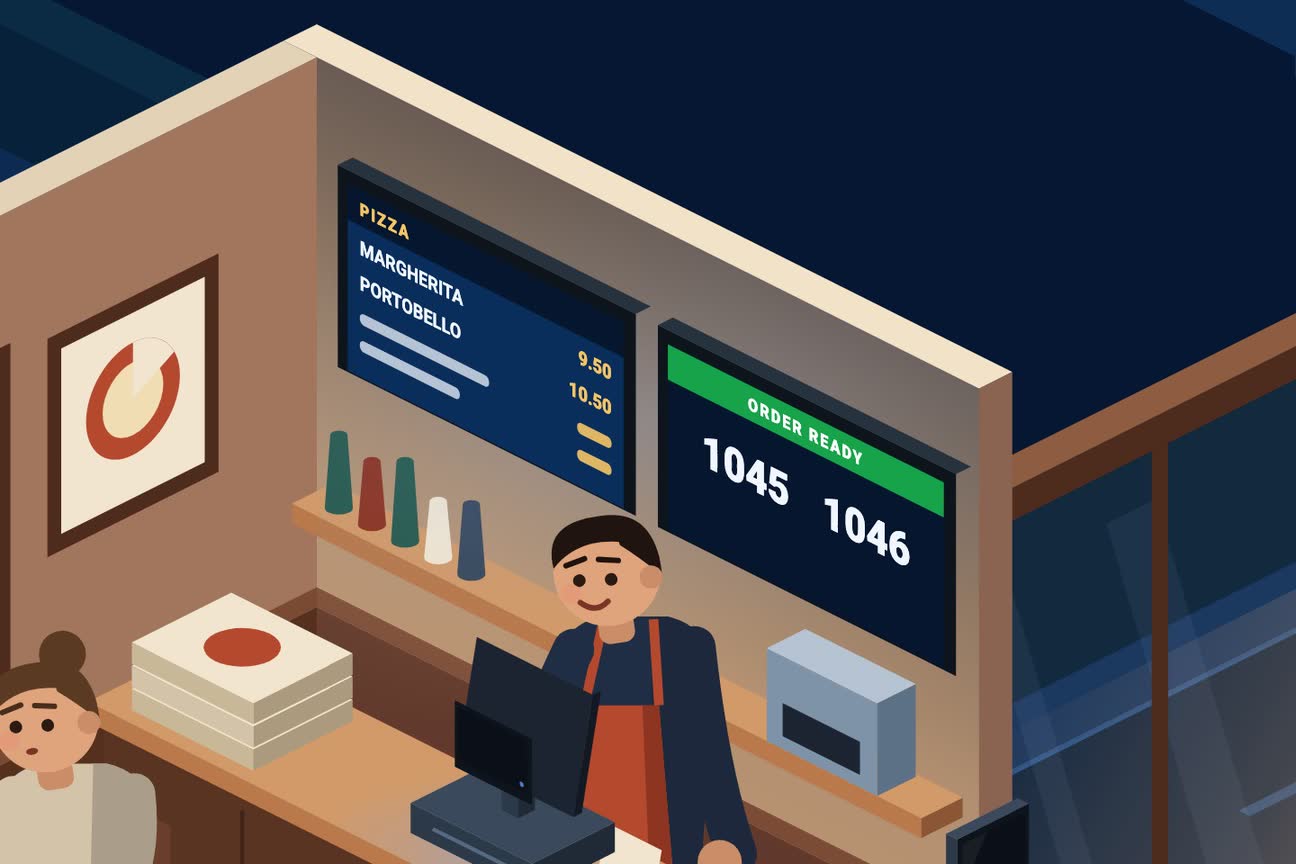
In-Store TV Screens
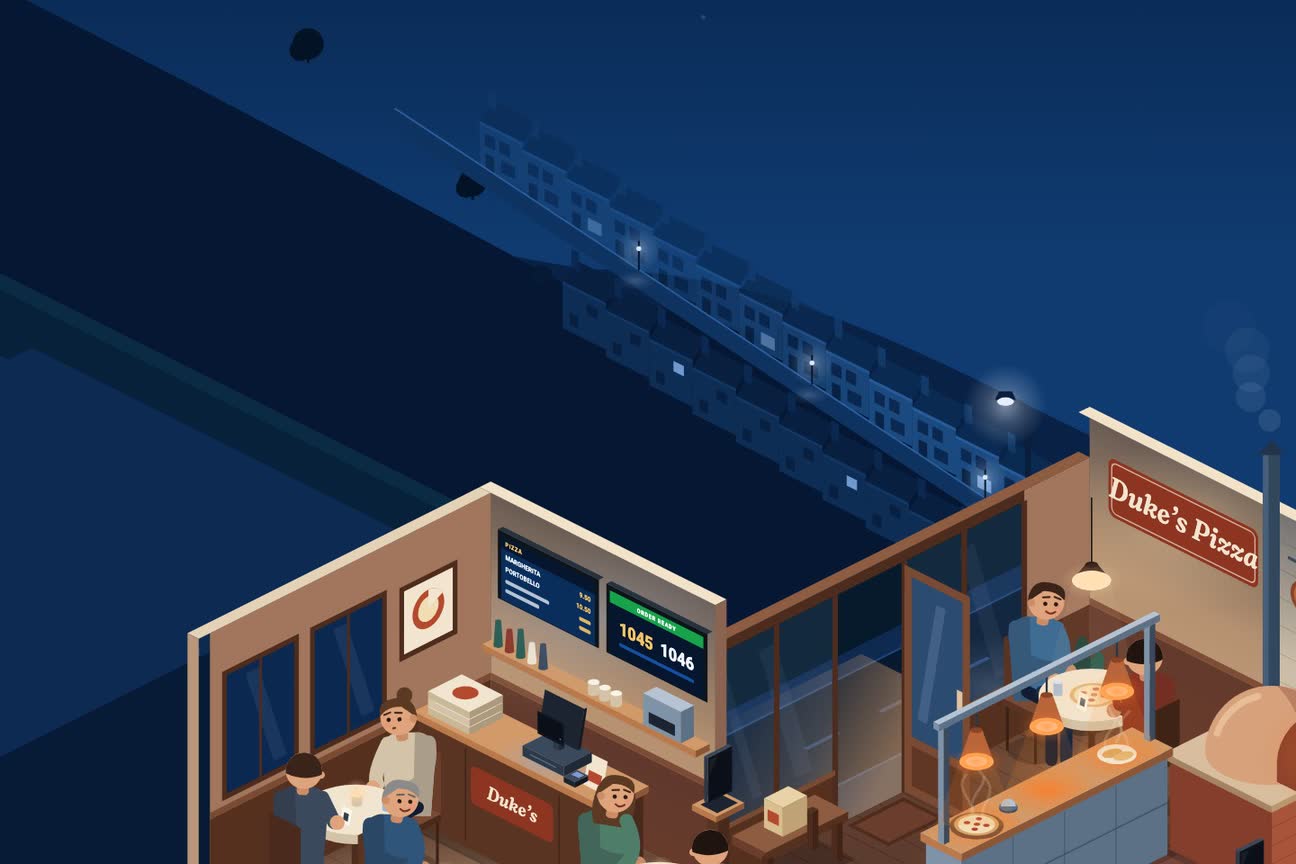
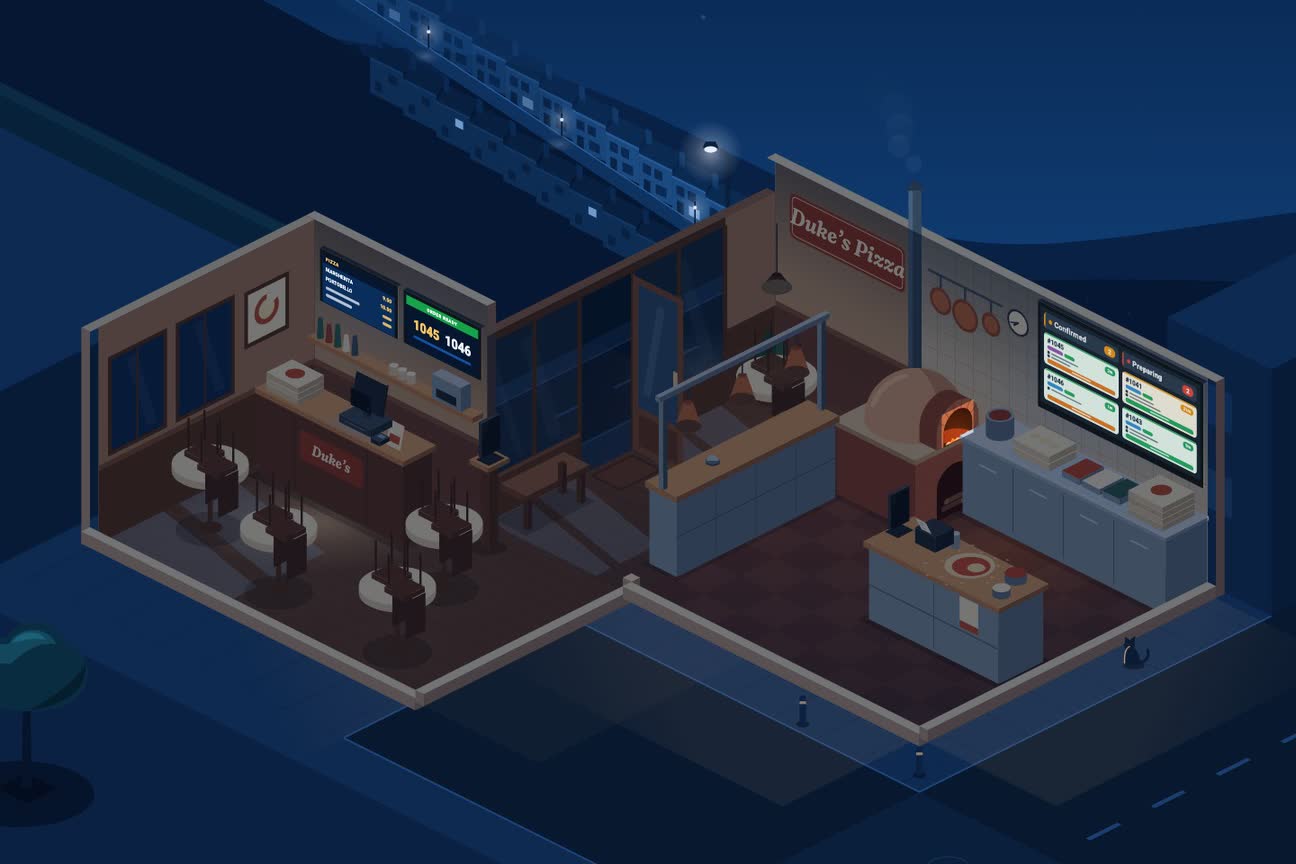
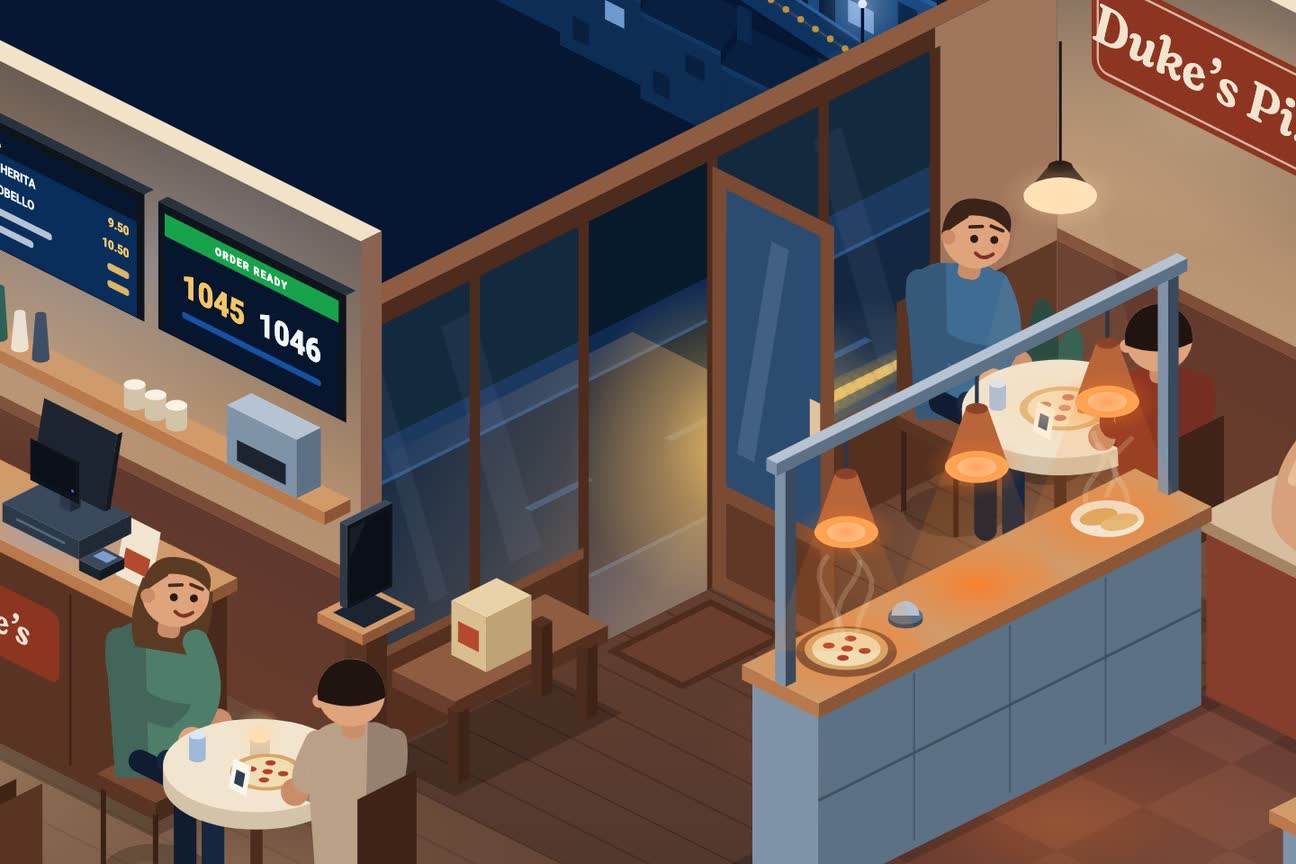
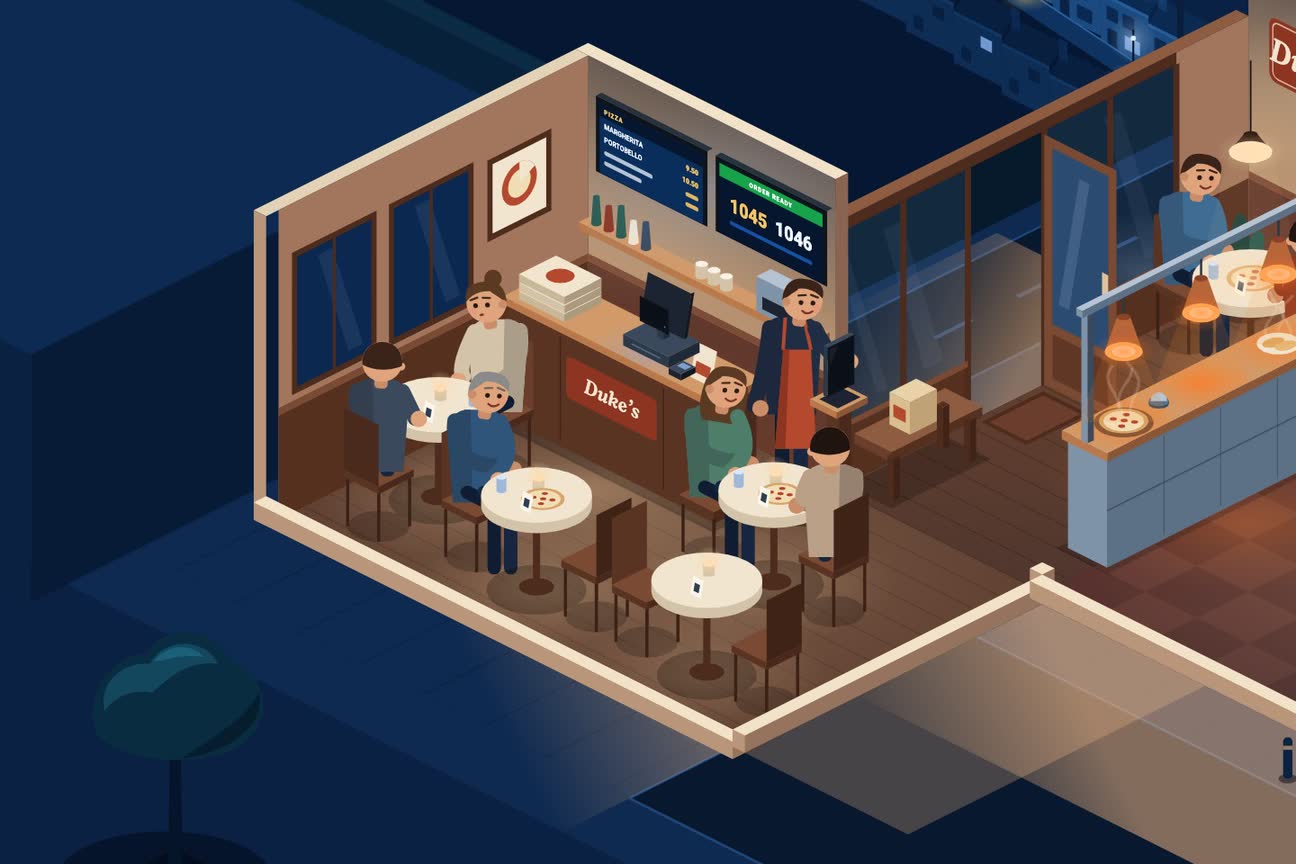
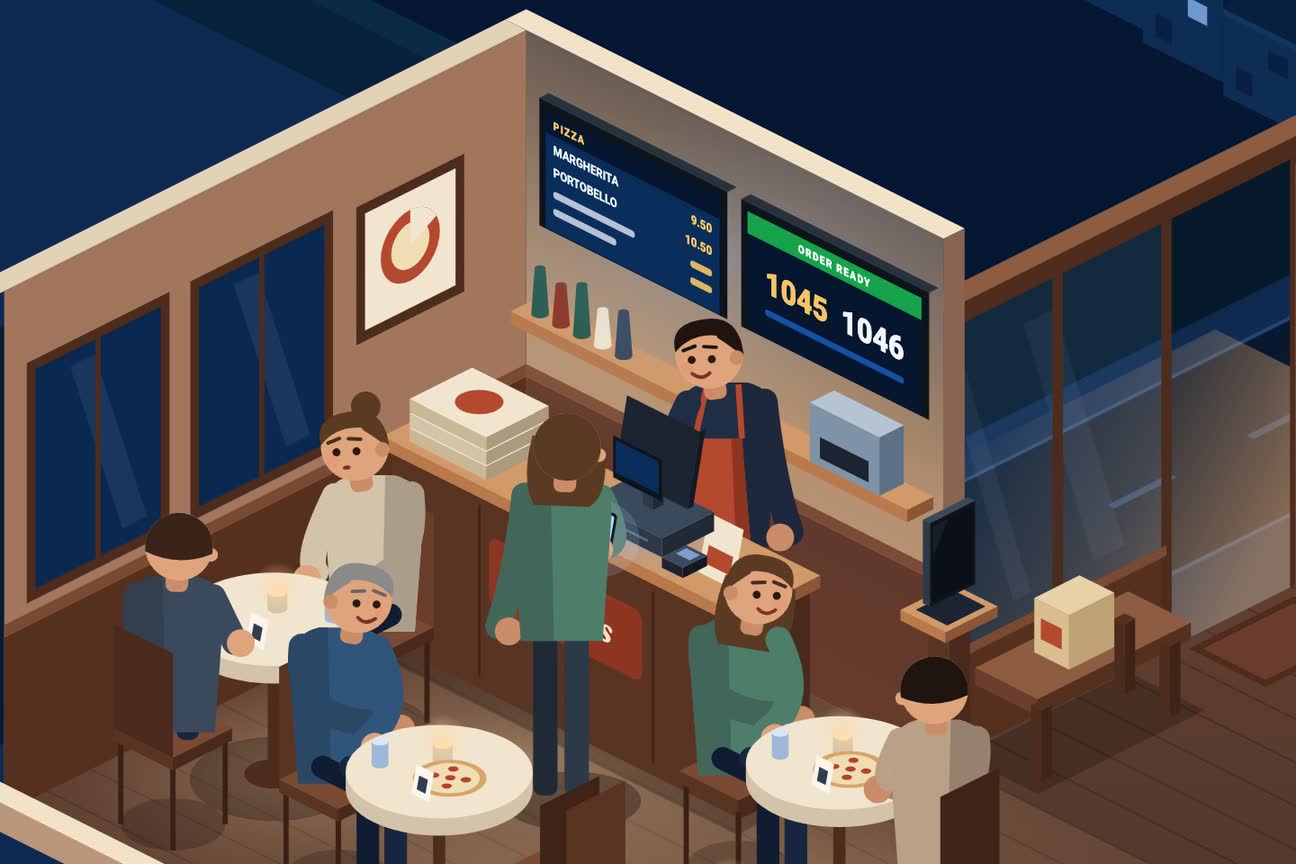
Menu boards and promo screens that update themselves from your till
- Digital menu boards on any TV
- Prices sync live from your till
- Promo & attract reels between orders
- "Order ready" call board for collections
- Video walls across multiple TVs
- One-tap birthday & celebration takeovers
- From £10 per screen/month (DisplayFlow)
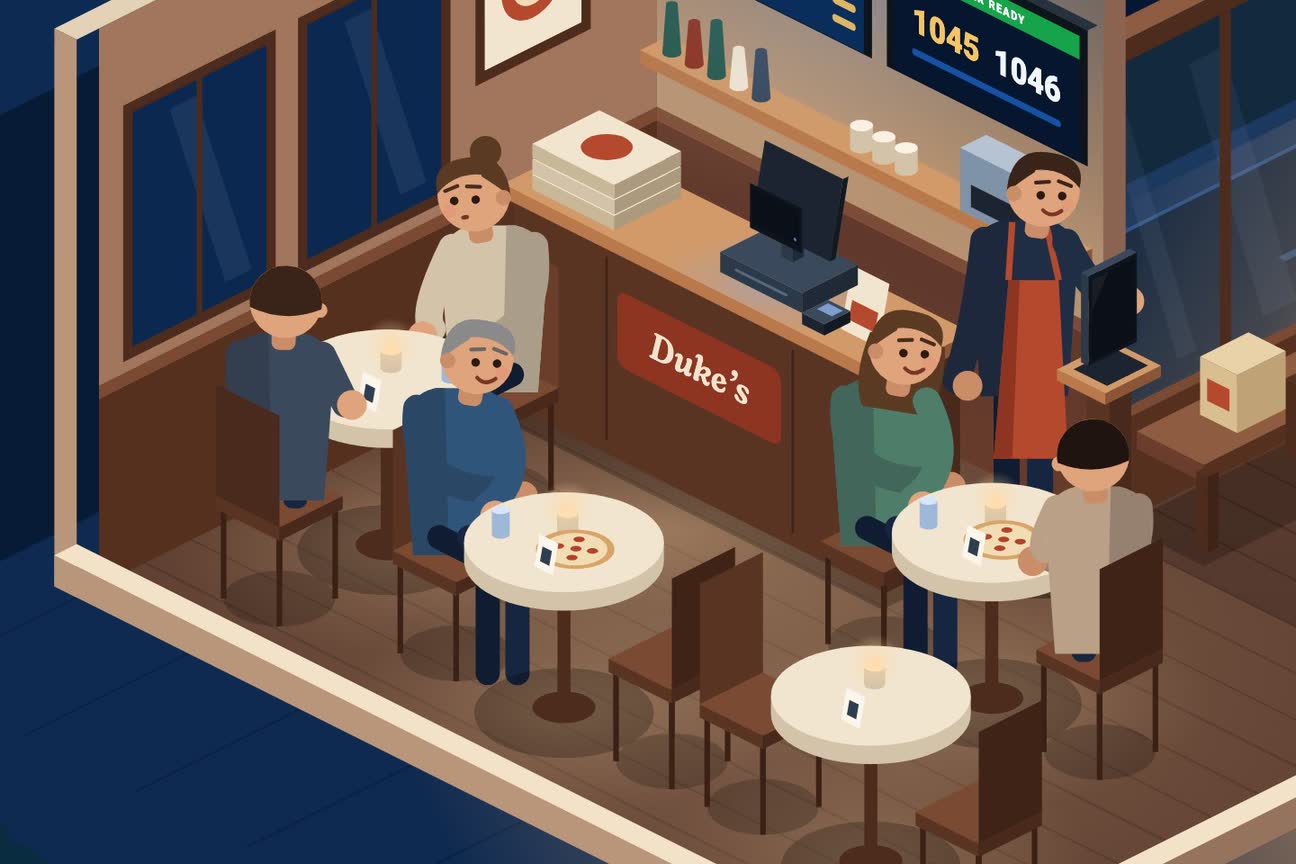
QR & NFC Table Ordering
Guests scan a QR code or tap a contactless NFC tag to order, add another round, and call the waiter
- A QR code or contactless NFC tag per table — guests use their phone, with no app to install
- Shared tab: the whole table orders into one bill
- Order round after round through the meal
- Call the waiter from the phone, staff acknowledge it
- Request the bill without waving anyone down
- "Close the tab" stops new rounds when the meal ends
- Pay before the kitchen starts (optional, per zone)
- Every round prints and shows on the kitchen screen
- Table hub — one tap on an NFC tag or QR opens order, call the waiter, guest wi-fi and games
- Venue quiz at the tables, with a monthly league (on your TVs with DisplayFlow)
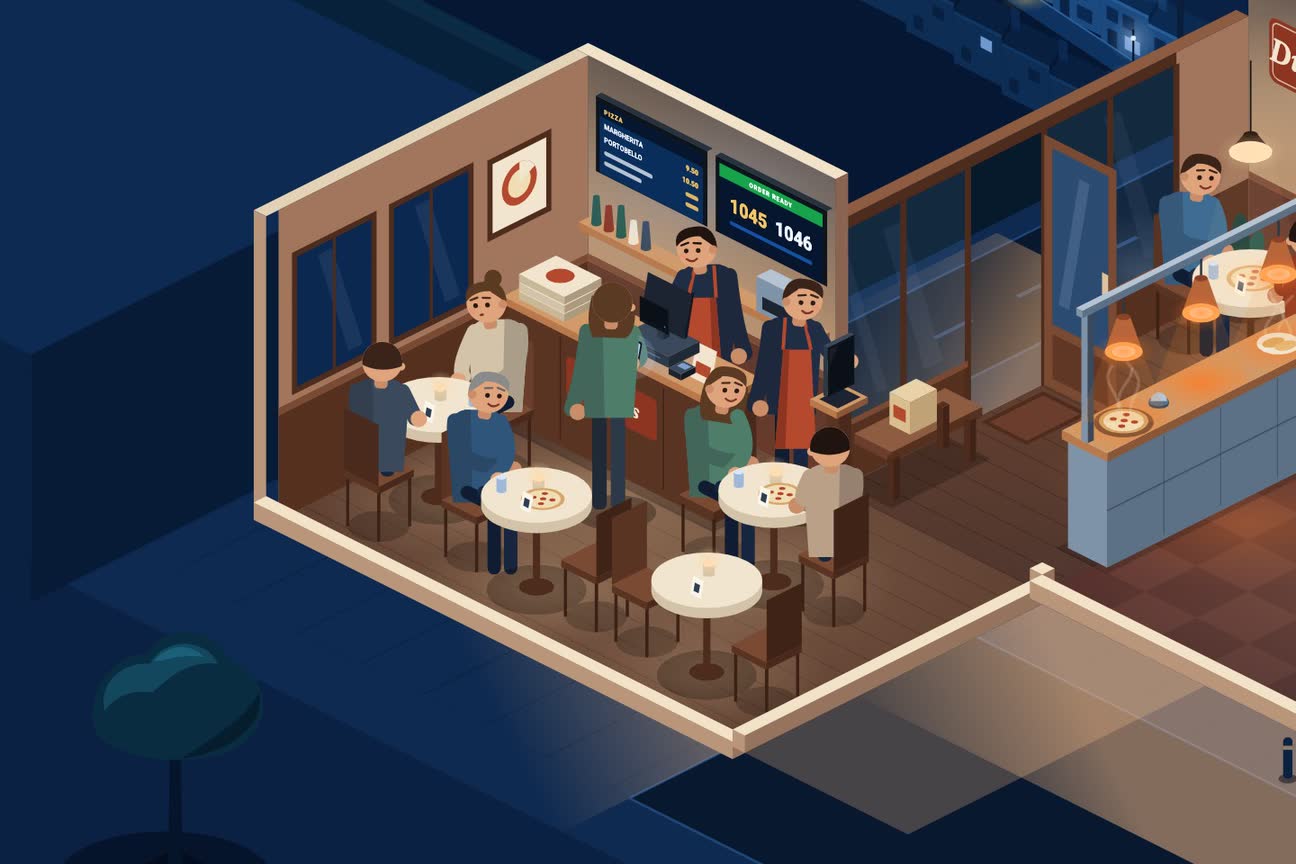
Floor Plan & Table Management
Your actual room on screen — who is seated, who is waiting, what is free
- Draw your rooms, zones and fixed objects
- Table sizes and types, so parties are seated properly
- Mark tables that can never be booked (bar, patio)
- Live table status through service
- Waiter-call and bill-request signals on the plan
- Close a table after service and reset it for the next party
- Two brands in one room share the same tables, with separate takings
Counter Till (EPOS)
Staff take orders at the till. Guests can order for themselves on the customer-facing screen
- Full till on Android POS hardware or a browser
- Walk-in, phone, collection and delivery orders in one place
- Barcode/laser scanner support
- Thermal receipt printing, multi-printer routing
- Customer-facing second screen showing the live basket
- Self-service ordering — guests build their own order on the customer-facing screen
- Park and resume a sale
- One order history across till, web and app
- Discounts and voids, with a manager's PIN when you want one
- "Customer pays later" on collections and deliveries
- Book a collection or delivery for later
- Phone-order customer card with saved addresses
- The real delivery fee before you take the order
- Open-drawer button, with every no-sale logged
Recipes, Swaps & Half-and-Half
Let customers build the dish the way they actually want it
- Ingredient library shared across your menu
- Per-product recipes customers can remove items from
- Swap an ingredient for another, priced by tier
- "Choose 3, extras charged" option groups
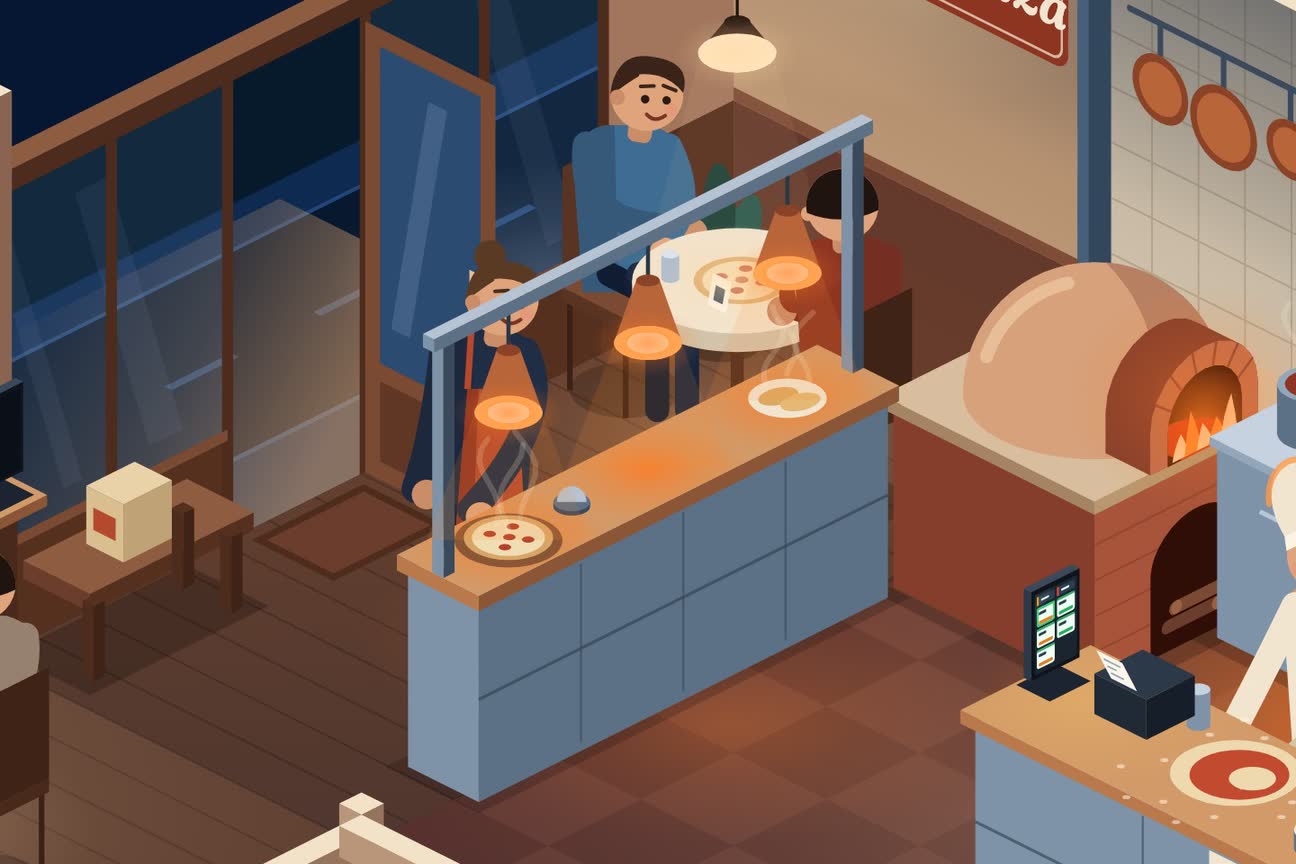
- Half-and-half pizzas, with your own rules
- Extras priced properly instead of one flat add-on price
- Kitchen tickets and receipts spell out every change
- Mark one choice sold out without hiding the whole dish
- Switch off an ingredient and it leaves every dish that uses it
Works With Your Existing Till
Keep the system you already have — we add a new ordering lane beside it
- Zone Soft POS integration — orders injected straight into your till
- Product mapping between your till and your online menu
- Stripe for card payments and payouts
- Thermal printers over the printer bridge
- No need to retrain staff on a new till
Staff, Roles & Privacy
Give your team the access they need and nothing more
- Invite staff with a shareable setup link
- Roles and permissions per person
- One login across several shops for chain staff
- Customer phone numbers and emails hidden behind a reveal
- Staff accounts are separate from customer accounts
- See who did what on an order
- Permissions per role — allowed, needs a manager's PIN, or not allowed
- Shared till with a personal PIN each, and auto-lock
- Manager's PIN for cancels, discounts, voids and refunds
- Activity log of who did what, and when
Allergens & Compliance
The legally required information, on every product, in every language
- All 14 EU/UK allergens per product
- Allergen names translated with the menu
- Age-restricted items gated at checkout
- Customer data hidden from staff who do not need it
- Cookie consent and privacy pages included
Finance & Profit
Know what you actually made this month — without a spreadsheet
- Monthly profit and loss: money in, money out
- Snap a receipt and the expense is read and filled in for you
- Receipts as photos or PDFs, kept in a gallery
- A warning before the same receipt counts twice
- Suppliers and recurring bills
- Upload a Deliveroo, Just Eat or Uber Eats statement — their fees land in your profit and loss
- Stock counts and your real food cost %
- Food and drink sales, separated
- A read-only link for your accountant instead of a shoebox
Staff Hours & Pay
Know who worked, for how long, and what it cost you
- Clock in and out by QR code, NFC chip or till PIN
- A changing code on the till, so nobody clocks in from home
- Clock-ins away from the venue refused, if you choose
- Timesheets for staff and drivers, with manual corrections
- Fixed or hourly pay per person (Business)
- Labour cost against sales, in your profit and loss (Business)
- Drivers on hourly plus per-delivery pay (Enterprise)
Complaints & Refunds
When something goes wrong, put it right — and remember it
- Refund a card order from the app, back to the customer's card
- Full or part refunds
- Log a complaint from the order: what went wrong and what it cost
- Complaint history on the customer's card
- The kitchen ticket says when this customer has complained before
- See the money given away, customer by customer
- Staff-only — customers never see the log
See it with
your own menu.
Features vary by plan. Your demo walks through the setup that fits your venue, with your dishes in it.
Compare the plansStart with two details.
I'll build a demo with your menu and branding, and send it to you on WhatsApp.